
Gaussian Splatting Finally Gives Real Estate Exterior 3D Tour It's Been Missing
I want to be upfront about something before I get into this: this post took thirty hours to earn. Not thirty hours of smooth progress — thirty hours of failed renders, COLMAP crashes, rendering a backyard fire pit into what looked like a star exploding in deep space, rebuilding the pipeline from scratch twice, and at one point staring at a Linux terminal at midnight wondering why a math library was segfaulting when I asked it to use more than four CPU threads simultaneously.
But I got there. And what came out the other side is something I'm working toward offering through Orbit Imagery that no other drone operator around here is doing. So let me tell you how we got here.
The Matterport Problem
I'm building out Orbit Imagery as a full-service real estate and aerial media business, and interactive 3D tours have been on my radar as a premium add-on. The obvious answer everyone lands on is Matterport — they've been doing this longest, the tours look polished, and realtors recognize the brand.
Then I looked at their pricing.
$35 a month for 5 active spaces. $69 for 25. And that's before you buy their camera — the Pro2 runs around $1,700. The tours live on Matterport's servers, under Matterport's branding, with Matterport's domain in the URL. If they change their pricing tomorrow or retire a tier, your client's tour link just... dies. Every dollar you spend is renting a platform, not building a capability.
And here's the thing nobody talks about: Matterport is an interior tool. You set up their camera on a tripod, room by room, and it stitches together a walkthrough of the inside of a house. The exterior? The lot? The waterfront view? The curb appeal that sold the buyer before they ever walked through the door? None of that. Matterport stops at the front door.
I closed the tab and started googling.
What Gaussian Splatting Actually Is
Here's the thing that separates 3D Gaussian Splatting from what Matterport does, and it took me a while to really understand this distinction.
Matterport tours aren't even truly 3D. They're a series of 360° panorama photos stitched together with smooth transitions between them. When you "walk" through a Matterport tour you're actually teleporting from sphere to sphere. It looks spatial but it's fundamentally a slideshow. This is why they need their expensive camera with a built-in LiDAR depth sensor — they're papering over the limits of the approach with extra hardware.
Gaussian Splatting is genuinely different. It takes a video of a space, analyzes hundreds of frames to figure out exactly where the camera was in 3D space at every moment, and then mathematically reconstructs the actual volume of the scene. Not photos stitched together. Not a depth scan layered onto panoramas. A real 3D cloud of millions of tiny transparent blobs — Gaussian splats — each fitted to match what the camera saw from every angle. When it's done you can orbit the scene from any angle that wasn't even in the original footage, zoom into it, look at it from above. It's a fundamentally different kind of artifact.
And because it works from video footage, a drone can capture it. Which means the entire exterior of a property — roofline, lot, waterfront, landscaping, all of it — is fair game in a way it never was with Matterport.
The framework I'm using is called Nerfstudio, and the method is called Splatfacto. Both run inside Docker on a Linux box I already own, and they cost $0 a month.
Attempt One: The Star Explosion
So I set up the Docker container, got the software running, and threw some test footage at it. This first file was honestly just accidental — I'd been flying and had some footage sitting around.
The software has two main stages. First is COLMAP, which does what's called structure-from-motion: it takes frames from your video and tries to figure out where the camera was for each one by finding matching features across hundreds of overlapping images. Corners, edges, trim, window frames — any distinctive texture becomes a landmark it can triangulate. Like your brain reconstructing a room from memory by asking "what did the doorframe look like from six different angles?"
COLMAP matched 2 out of 304 frames. Zero-point-six-six percent.
The training still ran. The result looked like a supernova. Thousands of splats fired out in random directions because it had almost no actual geometry data to work with.
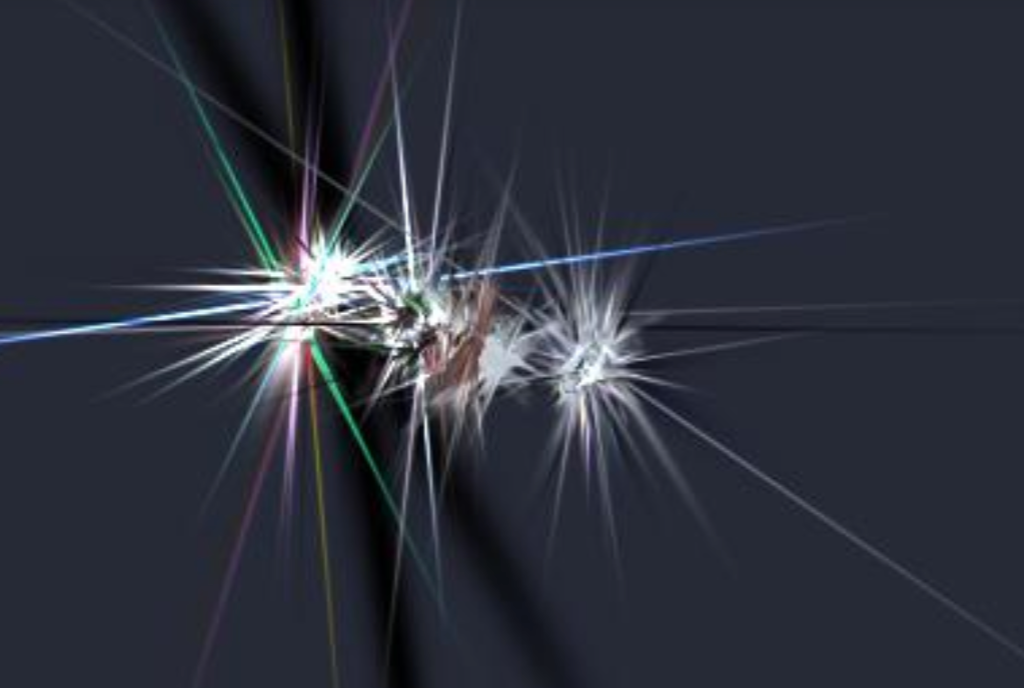
That told me the footage was garbage. But it also told me the pipeline ran end to end. That was enough to keep going.
Attempt Two: The Cubemap Rabbit Hole
My main camera for this is the DJI Avata 360, which shoots equirectangular video — that stretched, warped format where the full sphere gets flattened into a rectangle. Looks wrong when you play it back but it contains the complete 360° image.
My first instinct was to manually split that equirectangular video into cubemap faces before handing it to COLMAP. Six faces of a cube, each a normal-looking perspective image — surely COLMAP would handle that better than the weird spherical format... right?
This is where I lost probably ten hours.
The cubemap extraction worked fine. The ffmpeg command split each frame into four horizontal perspective images and I fed those in. COLMAP gave me 2 out of 445 images matched. Same star explosion.
I tried everything. Different matching modes. Different frame counts. Different camera models. Every time: near-zero registration, garbage output.
The root cause turned out to be one flag. The ffmpeg projection mode I used produces standard perspective images — no lens distortion, just a regular rectilinear view. But I had COLMAP configured with --camera-type fisheye because my source camera is a fisheye lens. Those two things are completely incompatible. The source being fisheye is irrelevant once the equirectangular has been split into flat cubemap faces — each face is a perspective image at that point. I was telling COLMAP to apply fisheye lens math to perspective images, so its entire model of the optics was wrong, so it couldn't match anything.
I fixed it. It worked. I got decent registration.
Then at some point I rebuilt the pipeline and broke it again. Then fixed it. This happened four times. The lesson is now hardcoded in my notes: cubemap faces are always perspective. Do not change this. Do not second-guess this.
The COLMAP Crash That Made No Sense
Even with the camera type right, COLMAP kept crashing midway through with a heap corruption error in something called the Ceres solver — a math library it uses to refine camera positions after the initial matching pass.
The crash only happened when COLMAP was allowed to use multiple parallel threads for the solver. One thread: fine. Four threads: crashed. Sixteen threads: definitely crashed. Turns out there's a known thread-safety issue in the Ceres version bundled with this Docker image. Capping the solver at four threads max fixed the crash — pipeline ran clean after that.
But here's the thing. After all that debugging, I started questioning whether the entire cubemap approach was even the right path. I'd been so deep in fixing how it ran that I hadn't stepped back to ask why I was doing it that way at all.
The Right Approach Was Simpler Than All of It
I finally tried the thing I probably should have tried first: just handing the raw equirectangular .mp4 directly to Nerfstudio's video processing command with --camera-type equirectangular.
Nerfstudio handles the projection conversion internally. It generates eight overlapping perspective views per frame with proper overlap and hands those to COLMAP. No manual cubemap extraction. No ffmpeg preprocessing. Just the raw video file and the right flag. Everything I'd been doing manually for two weeks, handled automatically, better.
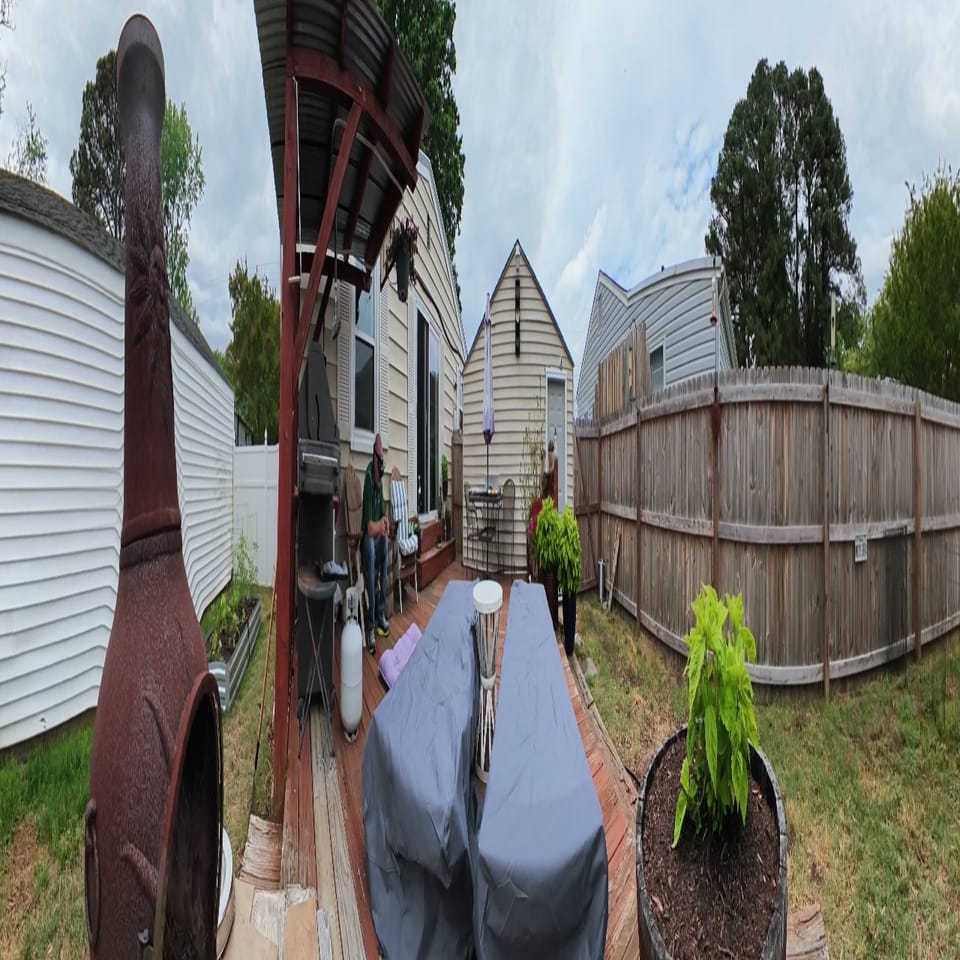
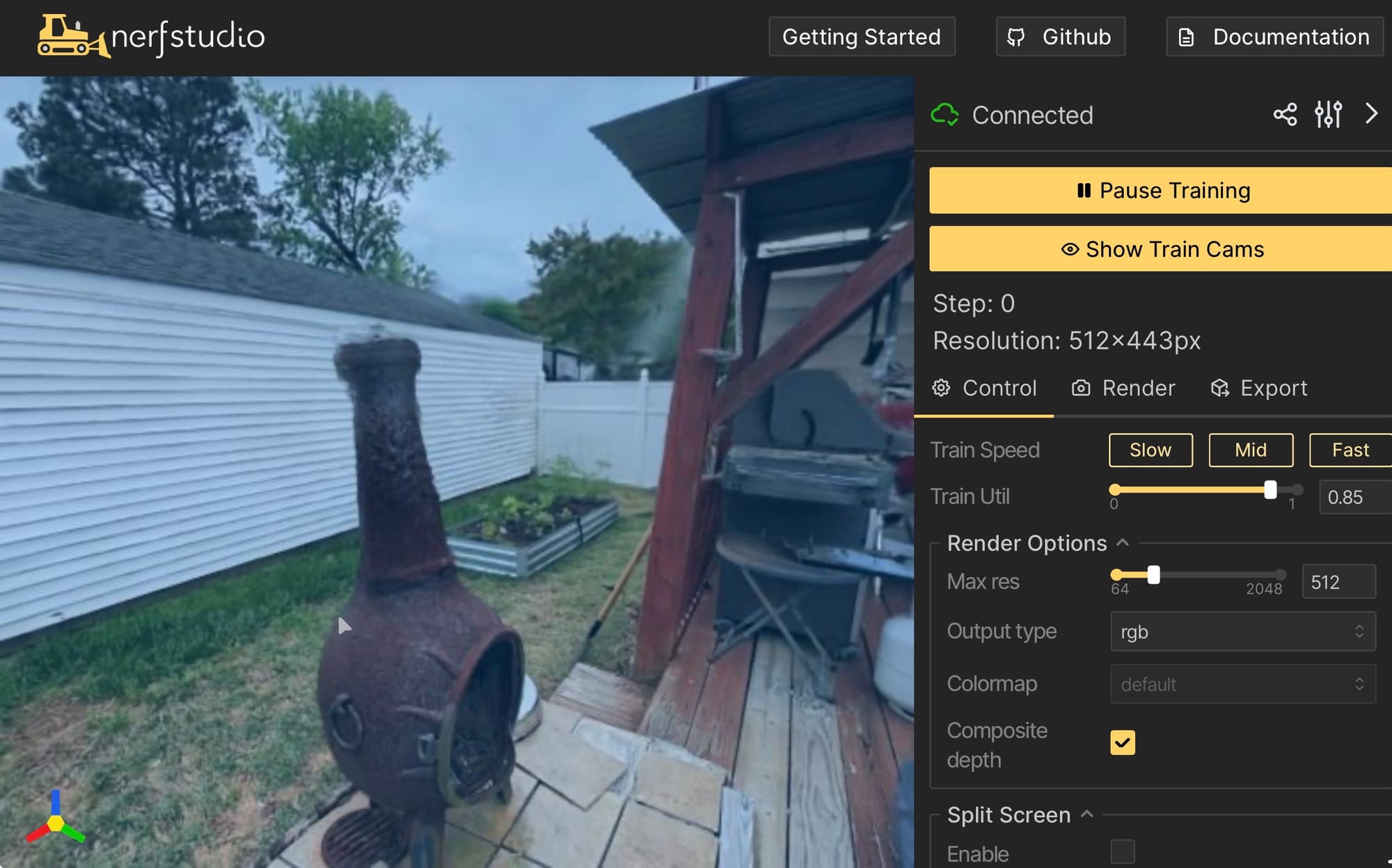
I ran it on a cast iron chiminea in my backyard — because it was right there, it has distinctive texture, and I needed something physical to test on. About two and a half minutes of slow orbit footage.
COLMAP registered 408 out of 408 frames. 100%.
I sat there for a second when I saw that. After weeks of 0.66% and 2/445 and star explosions and solver crashes, every single frame matched. The trained splat came out clean — cast iron surface detail, ground texture, full 360° coverage. You can orbit it from any angle.
And Then the Viewer Broke
Getting the splat to render in Nerfstudio's local viewer was one thing. Building a shareable web viewer was another thing entirely.
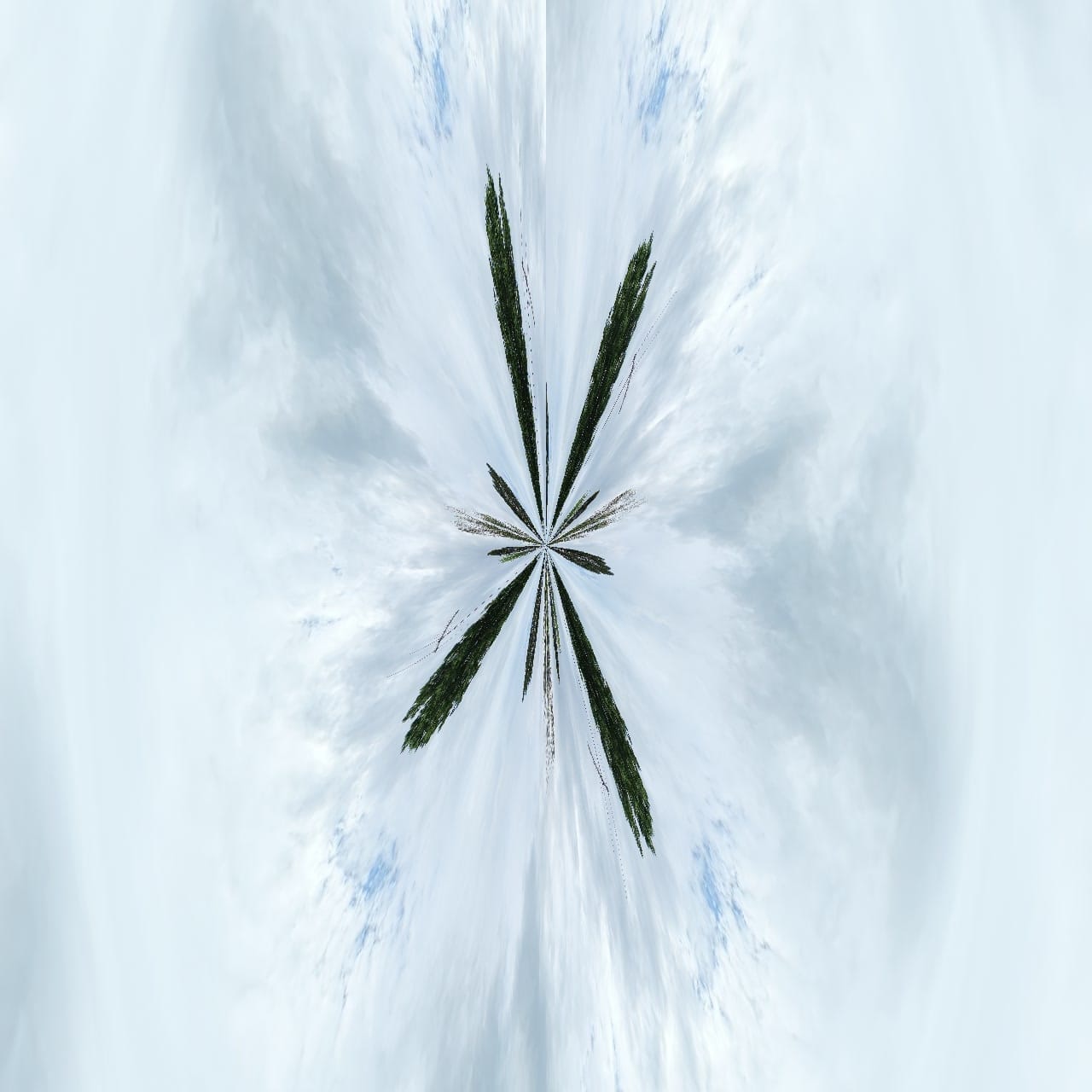
I set up a self-hosted viewer using an open-source WebGL renderer for Gaussian splats, behind a Cloudflare Tunnel on a dedicated subdomain. Dropped the exported .splat file in, opened the URL... pure visual noise. Like a TV with no signal.
Debugging this took another evening. The scene was actually loading fine — I could confirm the geometry was there by switching to a raw point cloud view. The problem was the camera.
The default orbit controls in the viewer spawn the camera at a radius of 5 units from the center of the scene. My chiminea scene spans about 52 units across. So the camera was spawning inside the dense cloud of 713,000 Gaussians — looking out from the inside looks like static, you're surrounded by splats on all sides.
Second issue: Nerfstudio exports its models with Z as the up axis. WebGL expects Y as up. Apply those coordinates naively and the scene is rotated 90° sideways, which also scrambles the camera math.
The fix was rotating the loaded scene -90° around the X axis to flip from Z-up to Y-up, then setting the camera to start at radius 40 so it spawns outside the scene. After that it just works — drag to orbit, scroll to zoom. Getting the controls to feel natural for someone who's never opened a 3D viewer before is still a work in progress, which is part of why I'm not calling this a finished product yet.
The Avata Workflow
Now that the pipeline is stable, the actual capture workflow is surprisingly simple. The DJI Avata 360 captures a full sphere around the drone, so you don't have to worry about pointing it at the right thing. You fly slow, methodical orbits at three heights — low (ground/first-floor level), mid (eave level), high (roof level) — plus one overhead pass for the roof itself. The camera is capturing everything in every direction automatically. For the chiminea test that was about two and a half minutes of footage total — the 360 captures so much per pass you don't need nearly as long as a standard photo flight.
Drop the exported equirectangular .mp4 on the server named with _360 at the end and an auto-watcher picks it up and runs the whole pipeline without any manual commands. Push notifications fire at each stage: COLMAP done, training started, scene ready. I can be out on another job and come home to a finished tour.
For interiors the Avata can technically do it, though tight spaces aren't ideal — for those I'm planning to add a handheld 360 camera that feeds into the exact same pipeline.
Where This Is Going
The pipeline works. The reconstruction quality is genuinely impressive. What I'm still working through is the delivery side — making the viewer feel natural for someone who's never dragged around a 3D scene before. Moving through the scene intuitively in a browser is the last piece before I can confidently package this as something to put in front of clients.
Once that's solved, what I'll be offering through Orbit Imagery is a true 3D reconstruction of the exterior of a property — the lot, the roofline, the waterfront view, all of it — from any angle, in a browser, on any device. A shareable URL an agent can text to buyers, embed on a listing page, or post a screen recording of to social. No Matterport subscription. No per-space fees. No platform dependency.
Out-of-town buyers exploring a waterfront property before driving four hours. New construction documented in 3D at every phase. A luxury listing that looks like nothing else in the market.
I'll post a follow-up once I have a real property scan with the viewer dialed in — that post will have the actual result embedded so you can interact with it yourself. If you're a real estate agent in the Hampton Roads area curious about getting in early, reach out at orbitimagery.com or call (757) 255-8324.
Thirty hours to build it. About two and a half minutes to fly it.
Comments ()